Unit Testing in ROS 2
Discover how unit testing helps you catch bugs early, refactor with confidence, and build more reliable ROS 2 applications.
Writing code is one thing. Knowing it still works after you make changes is another.
That’s where unit testing comes in.
A unit test verifies that a small piece of your code behaves exactly as expected. Instead of launching your entire robot or simulation every time you make a change, you can test individual functions in isolation and catch bugs before they become frustrating debugging sessions.
If you’re building ROS 2 applications, unit testing is one of the best habits you can develop early. It helps you write more reliable software, refactor with confidence, and spend less time wondering whether a change broke something unexpectedly.
Why should you care?
Imagine you’ve just added a new feature to your robot’s navigation system.
Everything compiles. The node launches. The robot moves.
But later you discover that a small helper function now returns incorrect values under certain conditions. Tracking down that bug might take hours. A unit test could have caught it in seconds.
Unit tests become even more valuable as your projects grow. They give you confidence to:
- Refactor existing code
- Add new features safely
- Catch regressions (bugs introduced by later changes)
- Verify edge cases that are difficult to test on a real robot
Instead of repeatedly launching your robot to check if everything still works, you let your tests do the repetitive work for you.
The core idea
The word unit simply means a small piece of your program. That might be:
- A helper function
- A callback
- A planner
- A controller
- A parameter validation function
- A data conversion function
A unit test focuses on one thing at a time.
For example, suppose you have a function that converts a robot’s speed from kilometers per hour to meters per second.
double kmhToMps(double speed_kmh)
{
    return speed_kmh / 3.6;
}
A unit test simply checks that the function produces the expected output.
EXPECT_DOUBLE_EQ(kmhToMps(36.0), 10.0);If someone accidentally changes the implementation later, the test immediately alerts you that something is wrong.
Notice that we aren’t launching a robot or running an entire ROS application - we’re testing only the logic we care about. That’s the key idea behind unit testing.
How it works
A typical unit testing workflow looks like this:
1. Write your code
Implement the function or class you want to test.
2. Write a test
Create a small test that checks whether the code behaves correctly.
A good test usually follows three simple steps:
- Set up the inputs.
- Run the code.
- Verify the output.
This pattern is often called Arrange → Act → Assert.
3. Run the test suite
ROS 2 integrates well with common testing frameworks such as:
- GoogleTest (gtest) for C++
- pytest for Python
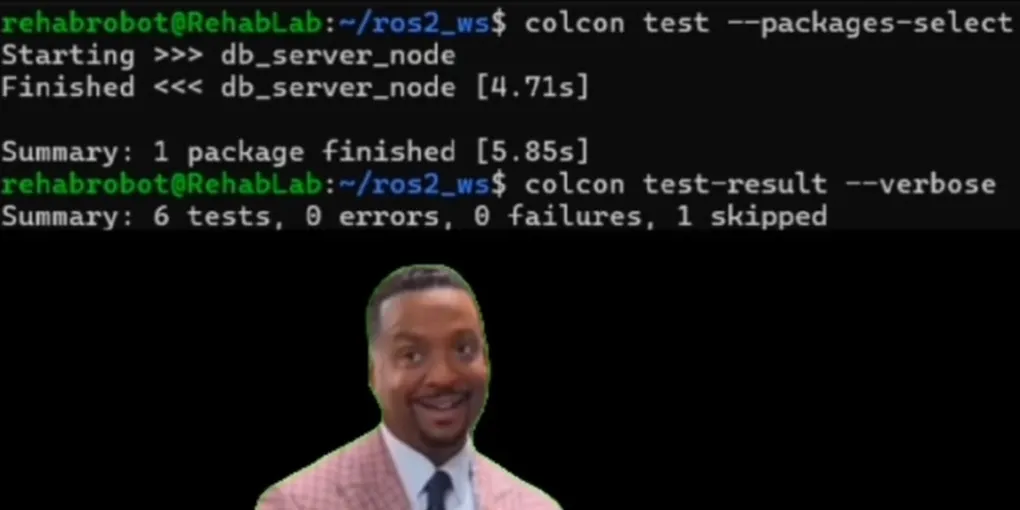
Once your package is configured for testing, you can run every test with a single command:
colcon test --packages-select your_package_nameThen view the results:
colcon test-result --verboseIf every test passes, you know your core logic still behaves as expected.
4. Repeat
Every time you fix a bug or add a feature, consider adding another test.
Over time you’ll build a safety net that makes future development much easier.
Practical example
Imagine you’re writing a simple obstacle avoidance node. One function determines whether the robot should stop based on the measured distance.
bool shouldStop(double distance)
{
    return distance < 0.5;
}
Testing this manually would involve:
- Launching your node
- Publishing sensor messages
- Watching robot behaviour
- Repeating for different distances
Instead, a unit test can verify the logic instantly.
EXPECT_TRUE(shouldStop(0.2));
EXPECT_TRUE(shouldStop(0.49));
EXPECT_FALSE(shouldStop(1.0));
EXPECT_FALSE(shouldStop(2.5));
This test runs in milliseconds. If someone later changes the stopping distance by mistake, the failing test immediately tells you something changed. That’s much faster than discovering the bug after deploying your robot.
Common mistakes
Testing ROS instead of your code
You don’t need to test whether ROS publishers or subscriptions work correctly. ROS itself is already well tested. Focus on testing your application’s logic.
Writing tests that depend on hardware
Unit tests should run anywhere. If a test requires a physical robot, camera, or LiDAR, it’s usually an integration test, not a unit test.
Trying to test an entire node at once
Smaller tests are easier to understand and maintain. Test individual functions whenever possible.
Ignoring edge cases
Think about unusual inputs. What happens if a value is zero? Negative? Empty? These are often where bugs hide.
Never updating tests
Tests should evolve alongside your code. If your software changes, your tests should reflect the new expected behaviour.
Key takeaways
- Unit tests verify one small piece of code at a time.
- They help catch bugs before they become difficult to debug.
- Good unit tests are fast, repeatable, and independent of hardware.
- Testing your application’s logic is usually more valuable than testing ROS itself.
- As your project grows, a solid test suite makes refactoring much safer and less stressful.
Learn more
If you’d like to explore unit testing in more depth, these are excellent next steps:
Official documentation
- ROS 2 Documentation — Testing: https://docs.ros.org/
- GoogleTest Documentation: https://google.github.io/googletest/
- pytest Documentation: https://docs.pytest.org/
Recommended resources
- GoogleTest Primer — A great introduction to writing tests with GoogleTest.
- The Art of Unit Testing by Roy Osherove — A practical book focused on writing maintainable tests.
- Clean Code by Robert C. Martin — Includes valuable discussions on writing testable software.
Unit testing won’t eliminate every bug, but it dramatically reduces the time spent finding them. Start small - test one function today. As your projects grow, you’ll appreciate having a safety net that lets you build, refactor, and experiment with confidence.